Products
How it works
Why GSP
Quick Links
GSP Calculators
Tutorials
News and Articles
Contact Us
Login / Register
Start My Plan
Products
How it works
Why GSP
Cart
Quick Links
For Institutions
Start My Plan
Login / Register
Contact Us
Tutorials
Image Tutorial
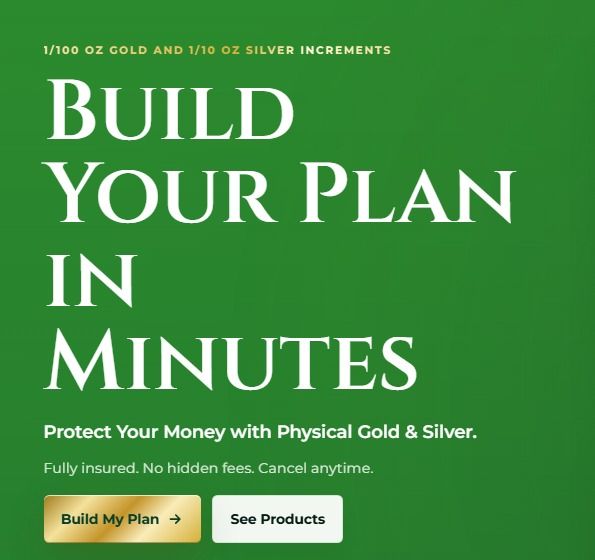
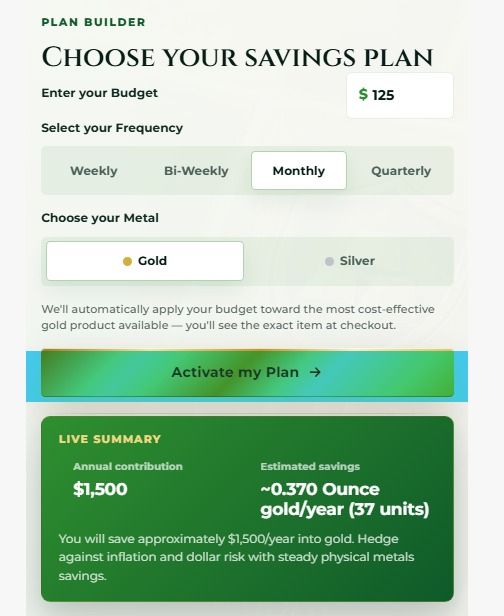
1. Click Build My Plan
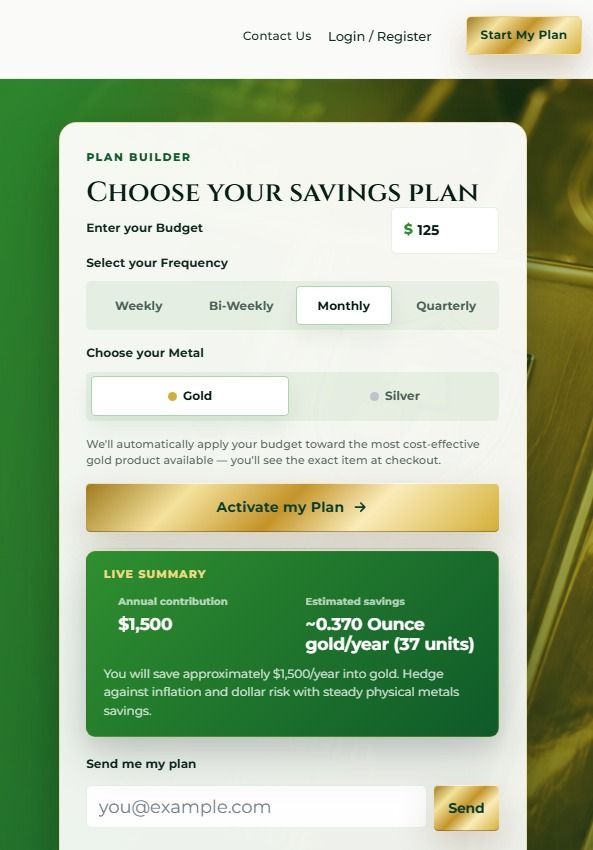
2. Enter you Budget
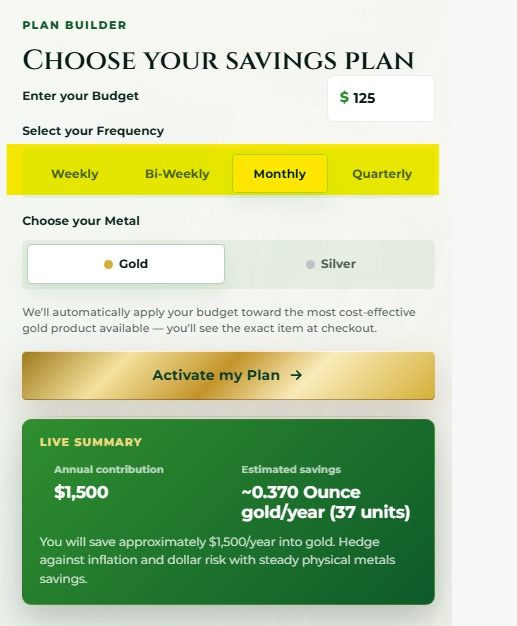
3. Select you Frequency
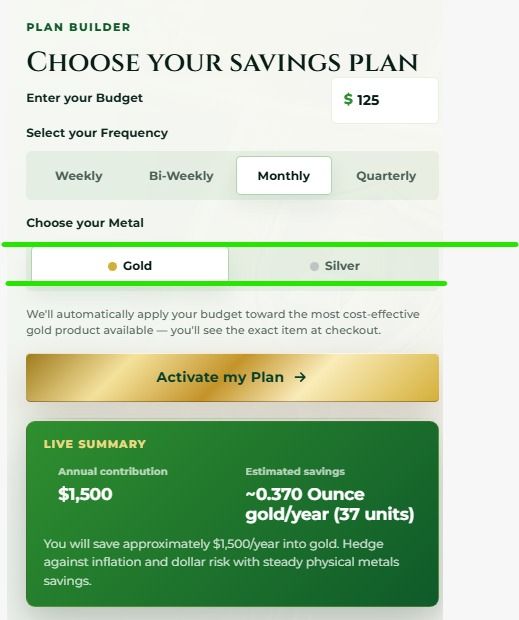
4. Choose Gold or Silver
5. Click Activate my Plan
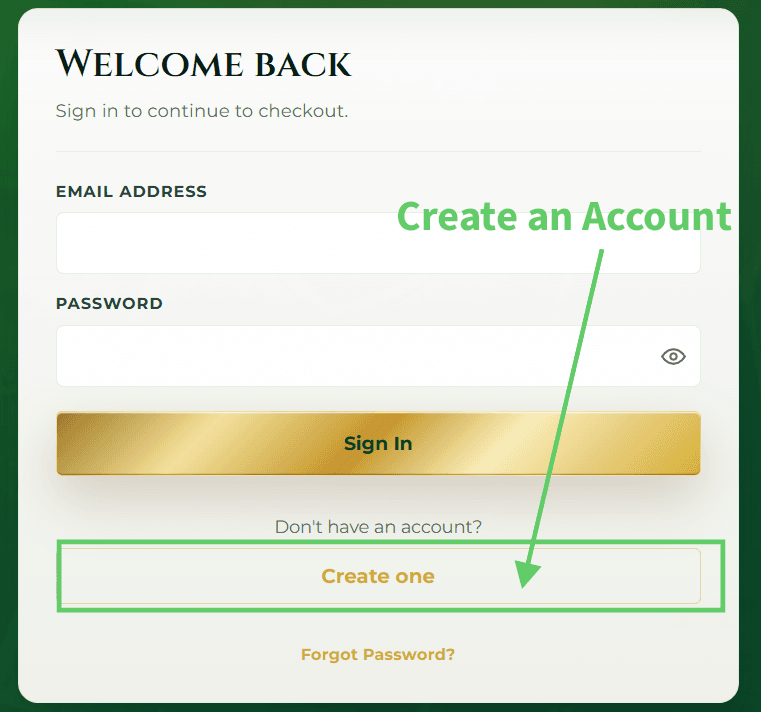
6. To Create a New Account: Click Create One
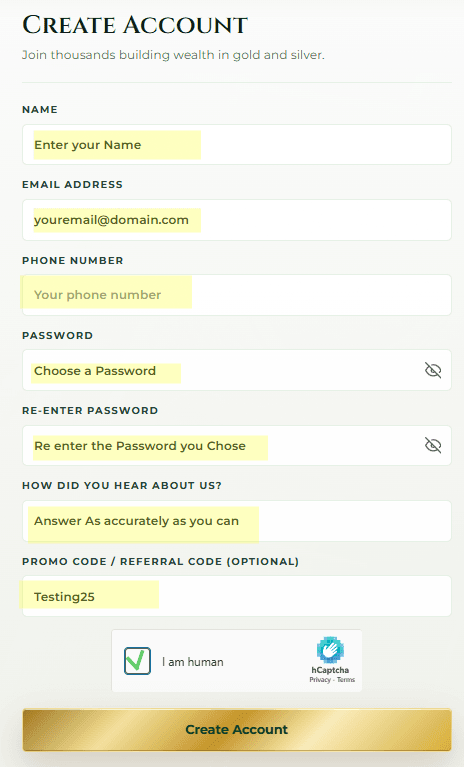
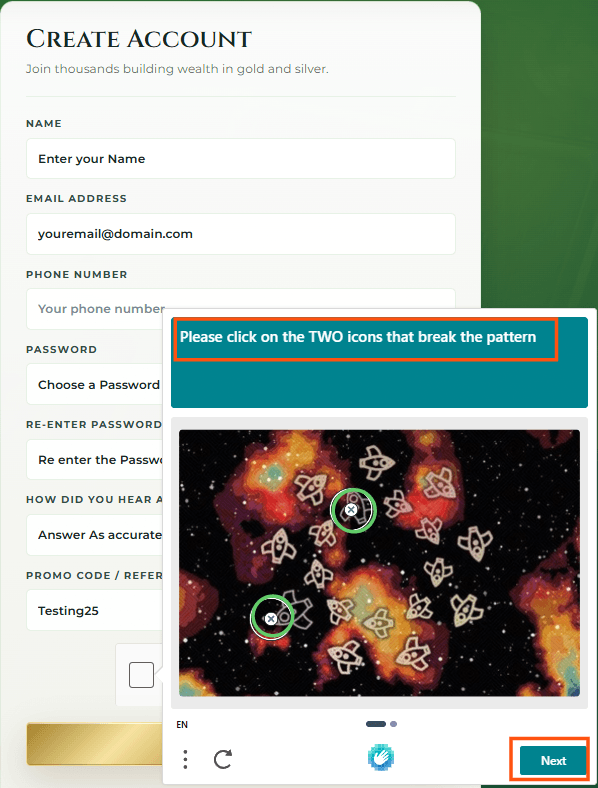
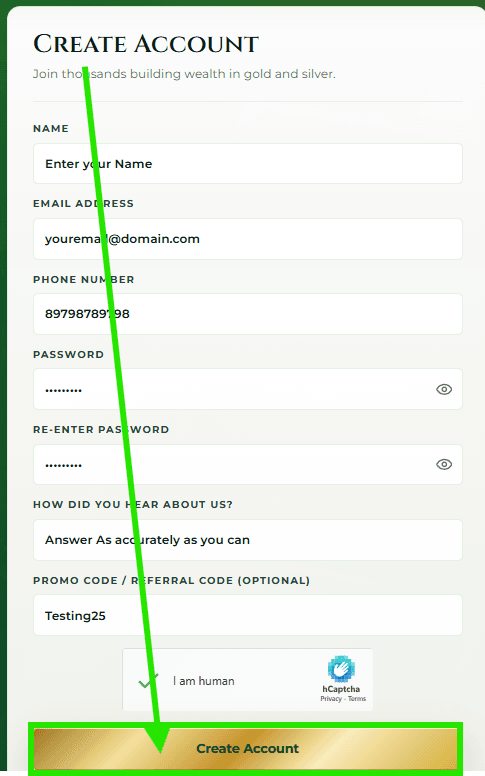
7. Enter your information then Check the I am Human Captcha
Follow the Pop up Captch prompt(s)
8. Click the Create Account Button
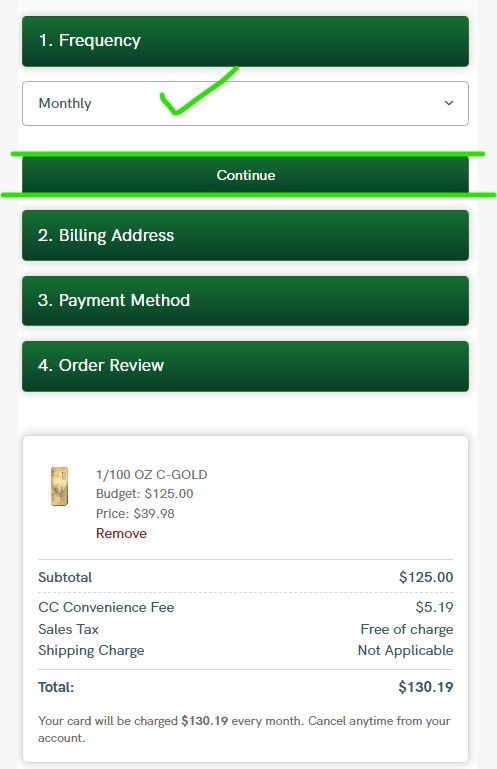
9. Verify you Frequency
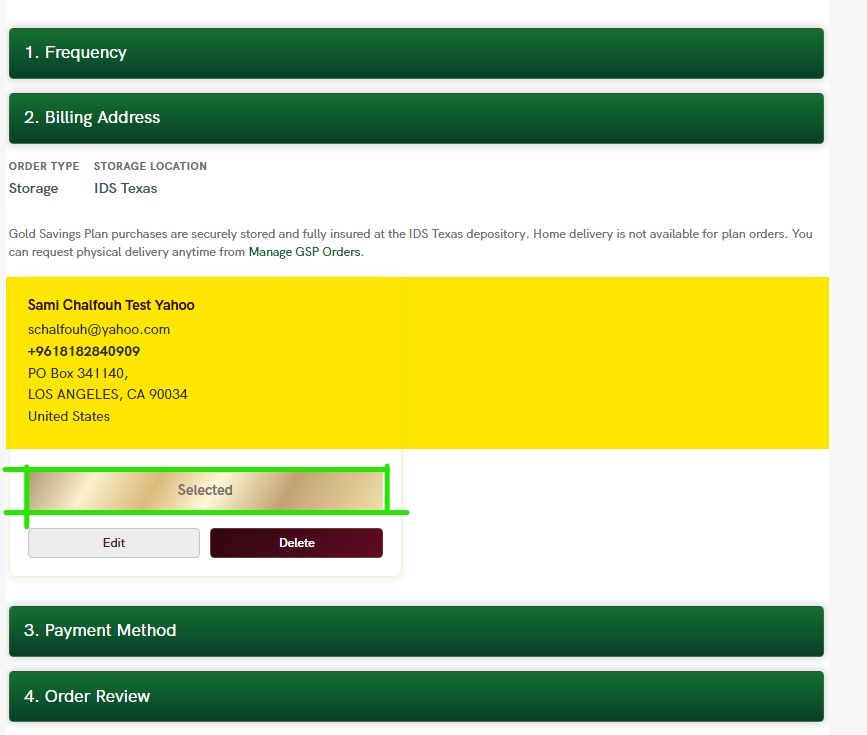
Enter Your Billing Address then Select It
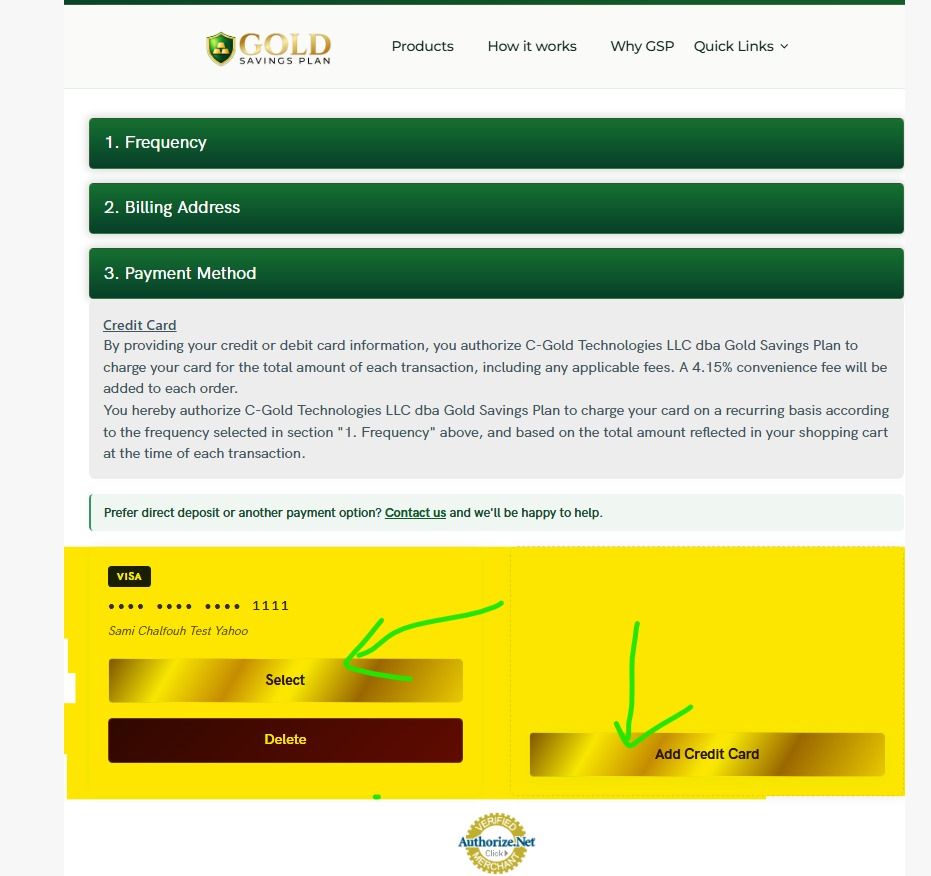
Enter Your Credit or Debit card then Select it
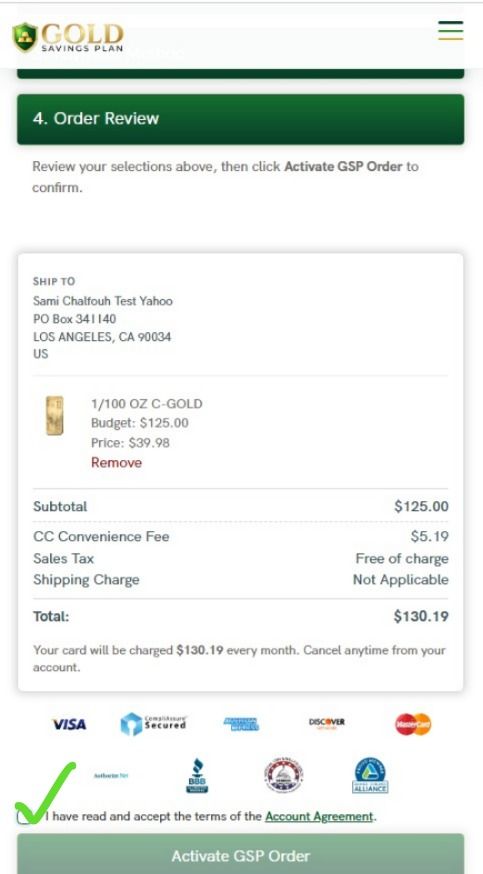
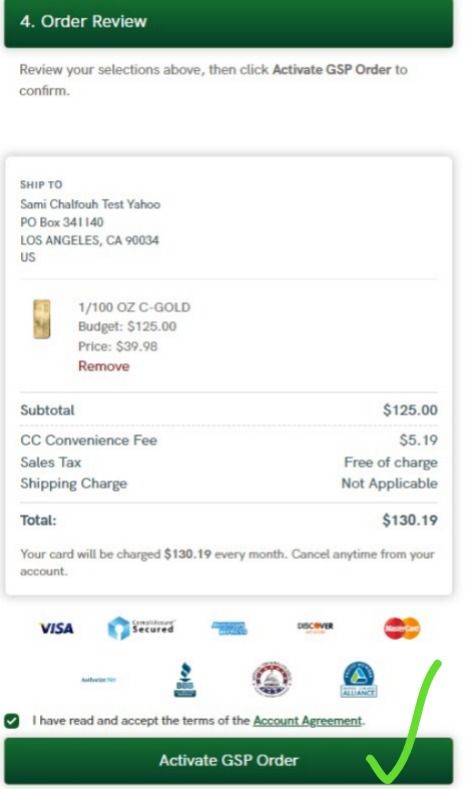
Review your Order and Account Agreement then Check the Box
Activate your GSP Order
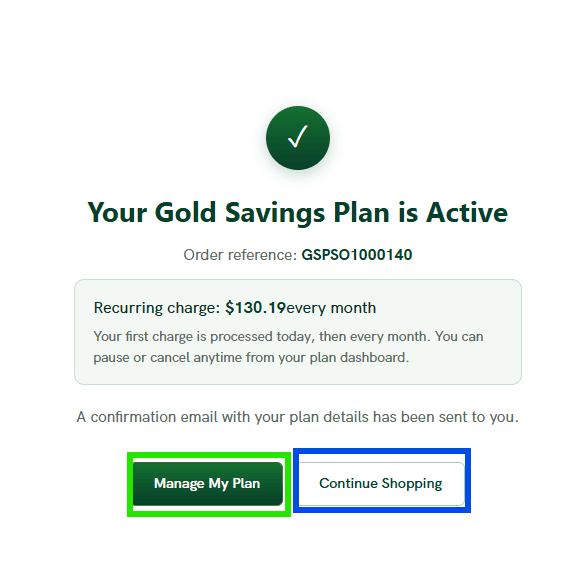
You are Done: You can Now Manage your plan or add another order